

MES · Web SCADA · Material flow
E-MES
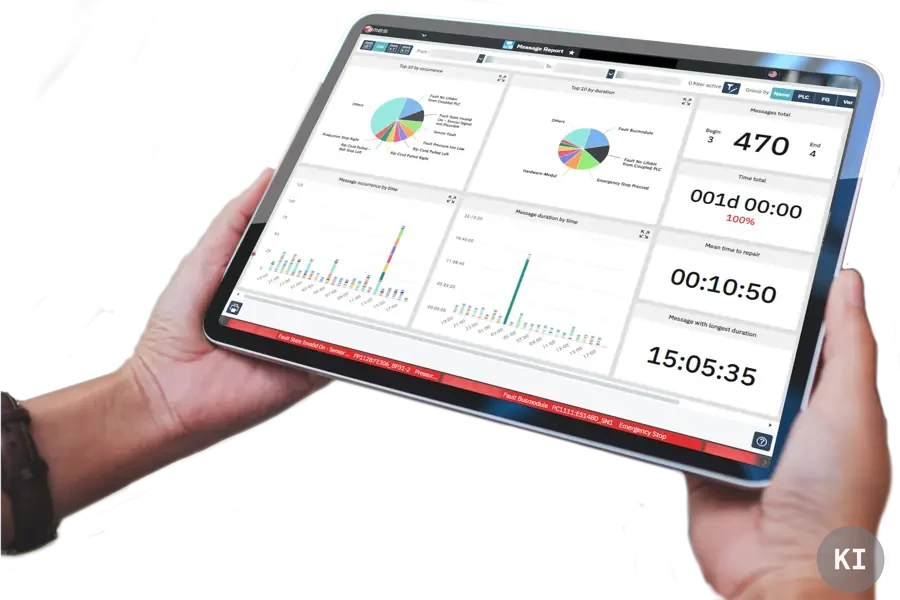
More output from your automated lines: plan, monitor, control, analyze and optimize – in one end-to-end web application. Together with AC4DC, it forms a data backbone from asset to application.
Start small. Scale fast.
Start with Essential. Grow step by step.
Every installation comes with proven standard modules. Additional modules, AC4DC Extenders and apps are added as soon as you need them.
01
Start
Essential
Visualization, alarming, process values, ANDON and tracking – productive on your line right away.
02
Extend
Advanced
Licensed add-ons such as energy monitoring, notifications, production management or the ERP connector – exactly where they make an impact.
03
Connect
With AC4DC
AC4DC Extenders turn E-MES data into a single source of truth – usable for notifications, quality processes, WIP, analytics and AI.
E-MES & AC4DC
One data backbone – from asset to application.
E-MES runs your lines. AC4DC connects your assets and puts data into context. Together, they deliver high-quality production data for people, systems and AI agents.
Existing and new equipment is connected via OPC UA, Modbus, S7 and other protocols.
Operate & monitor
Modern web SCADA – in the control room, at the HMI and on the go.
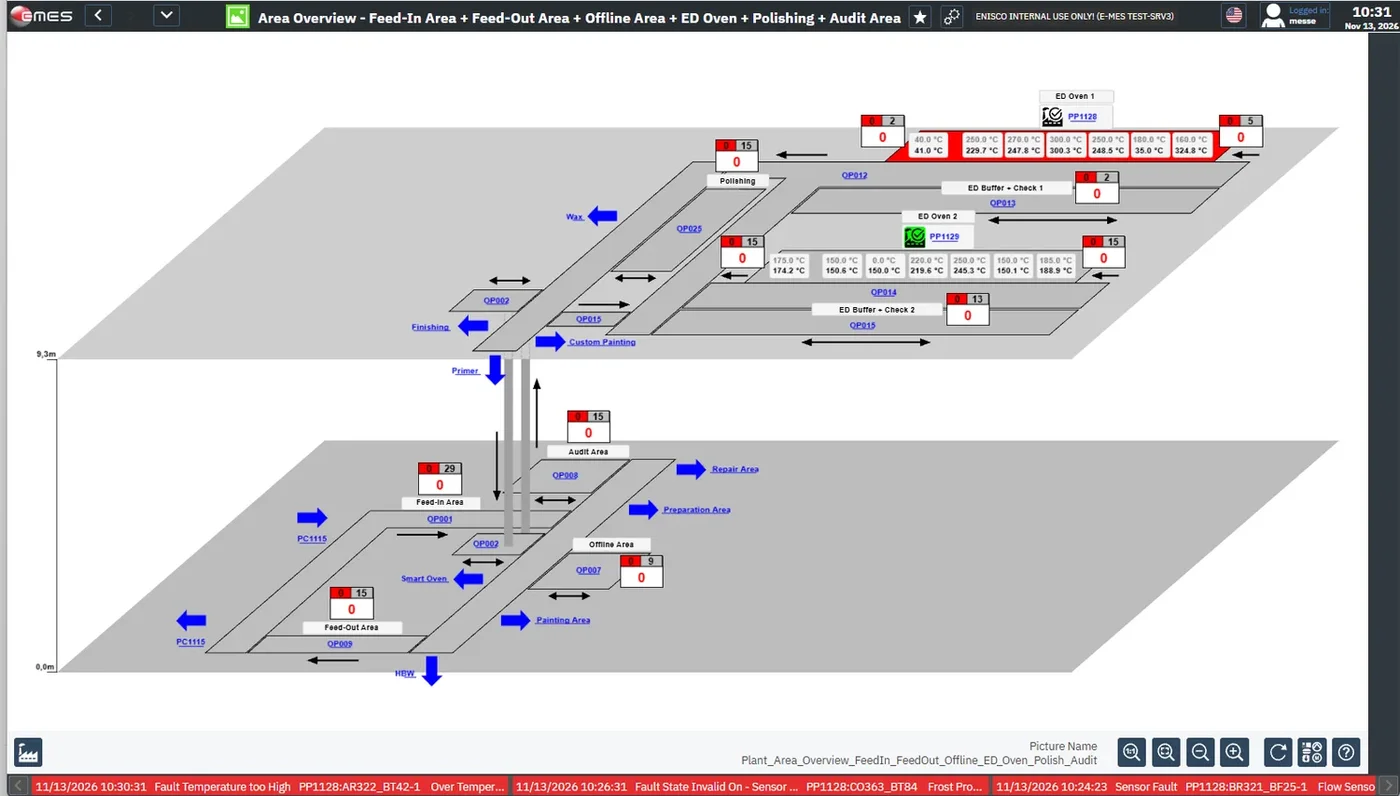
Operate and monitor the entire plant in one end-to-end web visualization – from the plant overview down to individual equipment and live webcams.
- Control: process technology, application overview, conveyor systems
- Monitor: plant overview, equipment status, live webcams
- A style guide for SCADA screens ensures consistent quality
Faults & alarms
Detect faults instantly. Notify the right people.
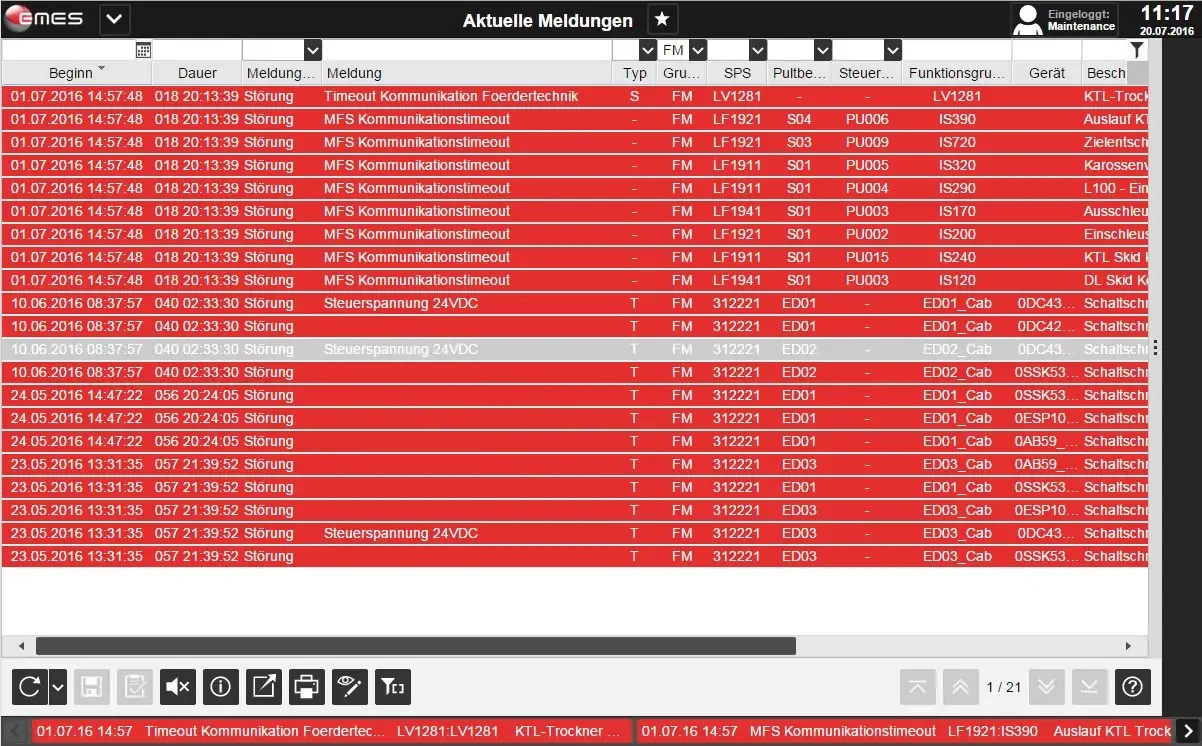
Faults are detected and prioritized instantly. Recurring problems and their causes become visible.
- Acknowledge alarms and document actions in the production logbook
- Notification module: alarms by email or push to the responsible team
- Measurable response and resolution times – a data basis for CIP and Lean
With AC4DC: every E-MES alarm automatically becomes a notification – with asset, time and description – until the right experts resolve it.
Process parameters
Monitor and correlate critical parameters in real time.
Detect deviations early – by correlating PLC and sensor data with production events and messages.
- Trending over any time period
- Target values and limits with automatic deviation detection
- Current process states right in the plant screen
- Counter evaluation, e.g. for energy meters

Maintenance
From catalog to documented maintenance – in one workflow.
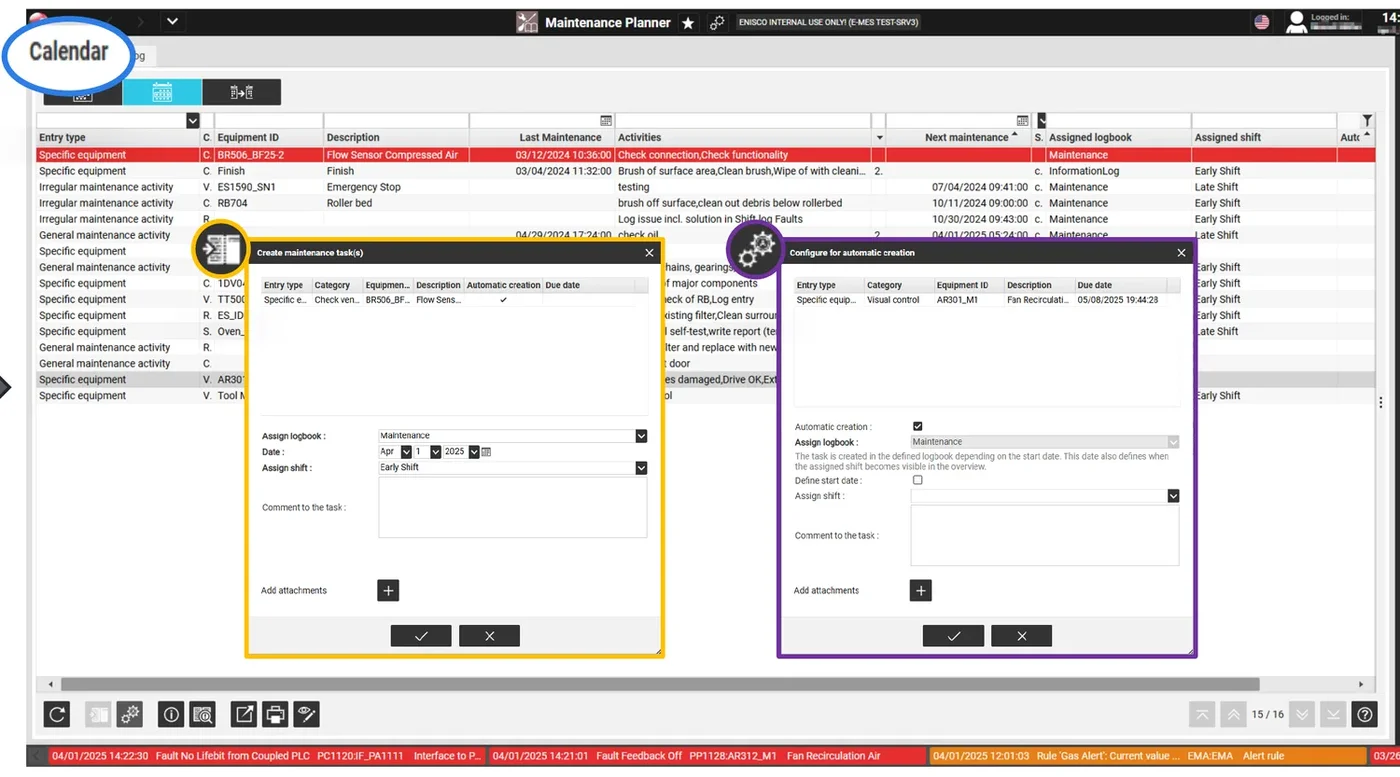
Planning, execution and documentation fit seamlessly together.
- Maintenance catalog: define tasks once – time-based, counter-based or ad hoc
- Maintenance calendar: schedule manually or automatically, including spare parts
- Production logbook: scheduled tasks appear automatically for the shift
- Documentation: execution, findings and parts recorded in full
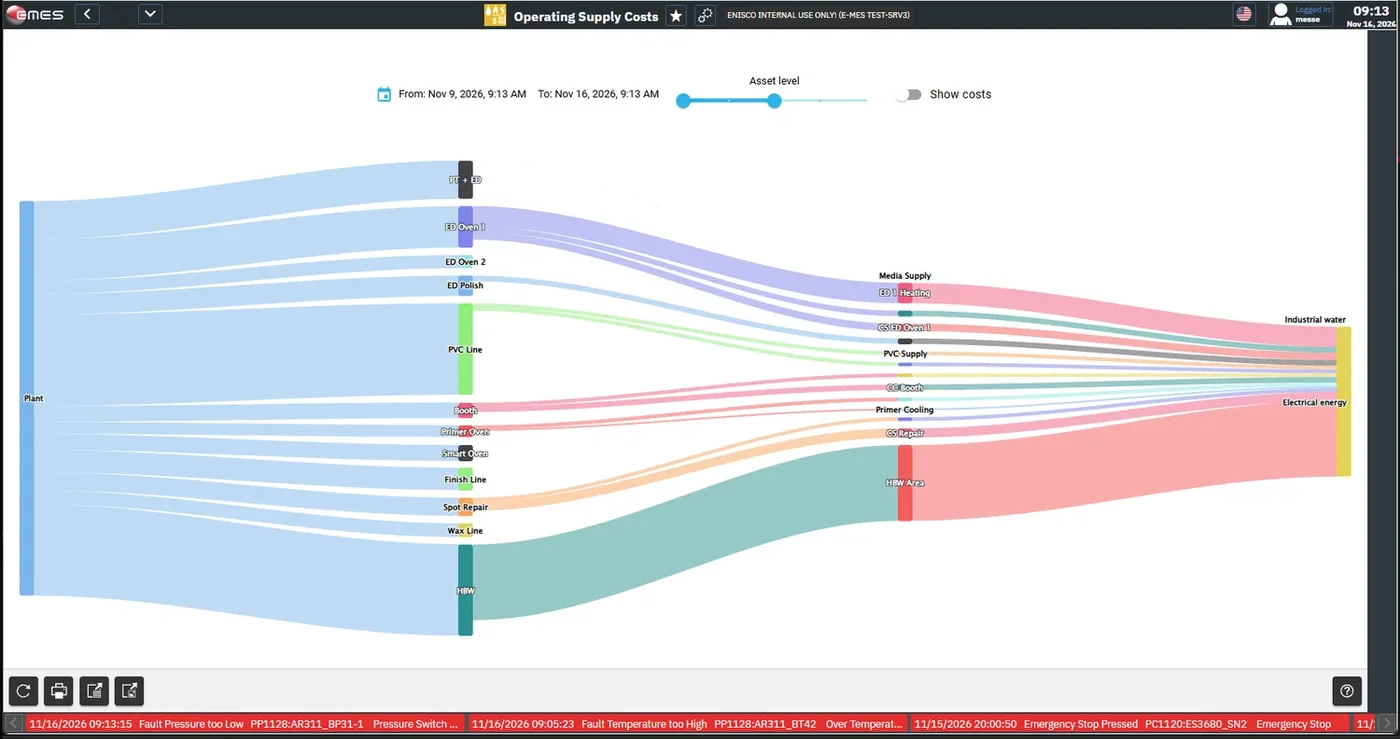
Energy
Asset-based energy monitoring for true comparisons.
Correlate energy consumption with production data, process values and machine states – and find hidden consumption drivers.
- Energy flows per asset and medium – switchable to costs
- Consumption overview per asset, area and medium over time
ANDON · manual lines
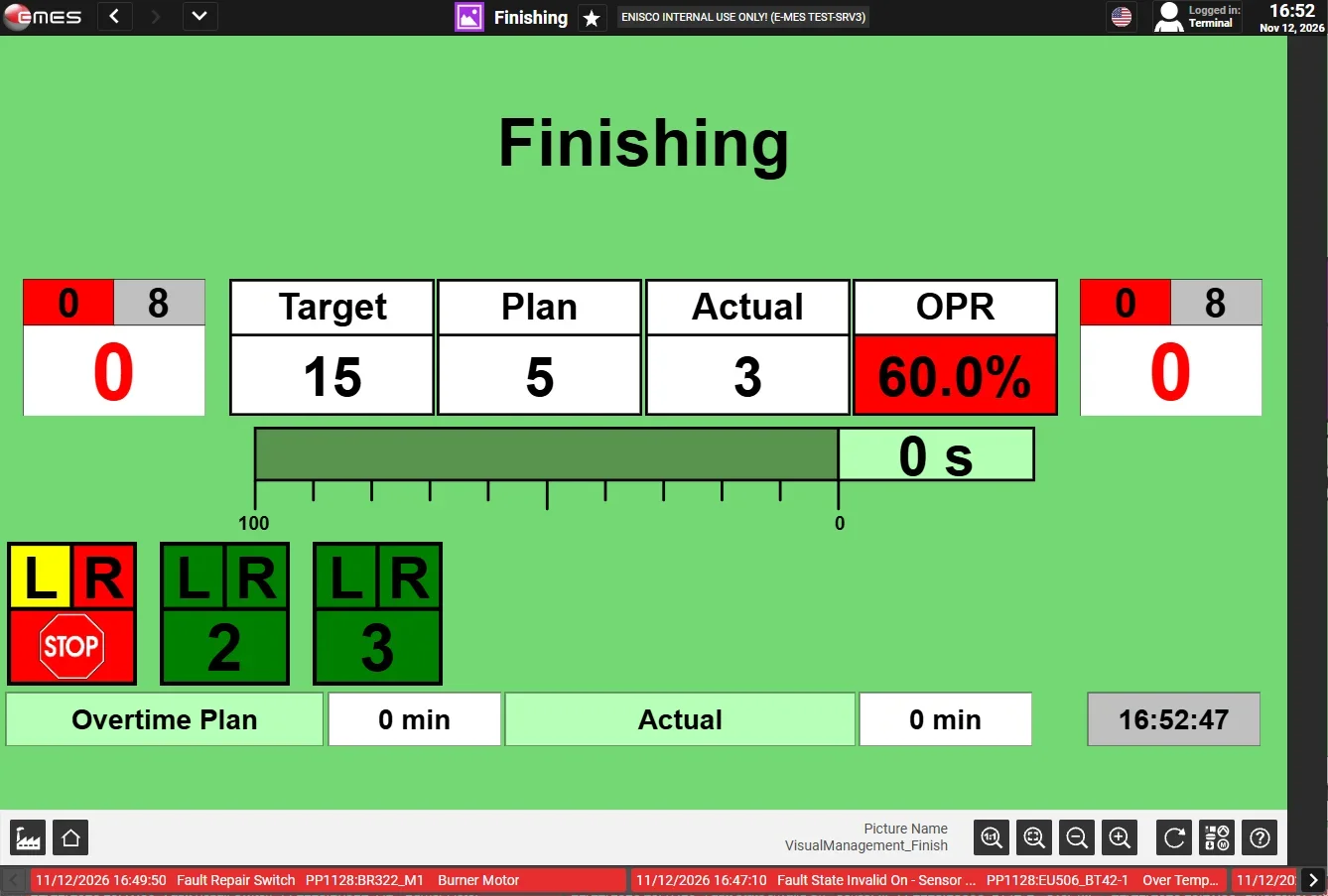
Transparency and responsiveness on manual lines.
Connect PLCs, sensors and manual workstations and capture production data in real time.
- Line overview: target/actual output, efficiency, bottlenecks, station status
- Visual management: analyze losses and line performance over time
Asset & material tracking
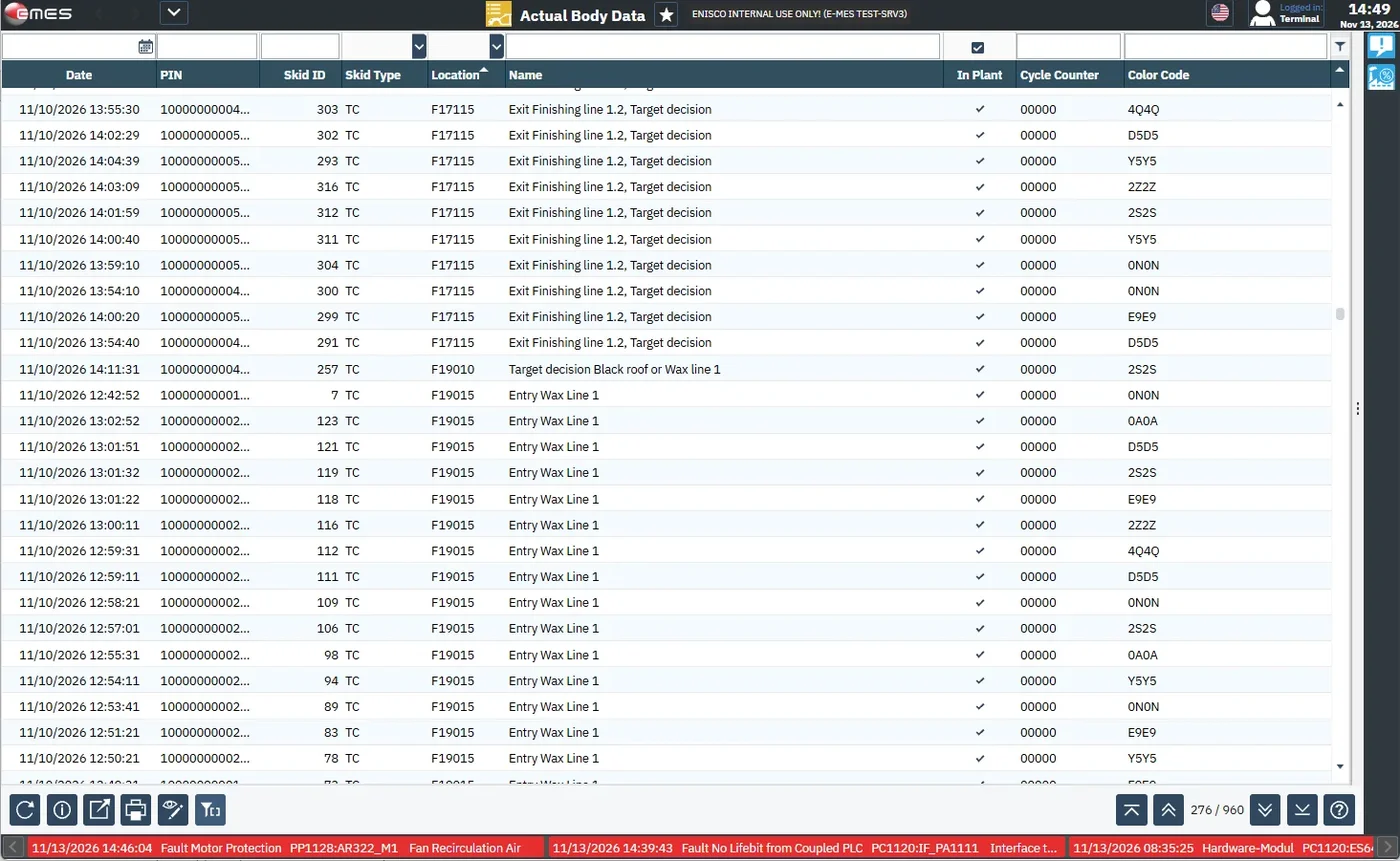
Track skids, car bodies, parts and load carriers end to end.
Complete traceability of every object at defined positions throughout the production process.
- Material tracking: movements and bookings per part and storage location
- Real-time tracking: current location and status of every object
- Shop floor overview: counters and fill levels across the entire production area
With AC4DC: make materials, buffers and resources transparent across the plant.
Master data & administration
Central functions for configuration, security and operation.
Part of the E-MES Server Runtime – included in every edition.
Shift calendar
Shift models as the basis for reporting
Users, roles & permissions
Who may do what – managed centrally
Task Scheduler
Run recurring tasks automatically
Detailed diagnostics
Connection and system status at a glance
Journal & Security Audit
Every change logged traceably
Online help
Context-sensitive help right in the system
E-MES Designer
Engineer visualizations and connections yourself.
With the E-MES Designer, your team and certified partners configure E-MES themselves – on a standardized, fully supported platform.
- Configure data connections to PLCs
- Create visualizations and plant screens
- Define handshake files
- Upload PLC interface files
Project-based Designer license available on request.

Editions
The right edition for every plant size.
All editions share the same platform. They differ in add-on modules and system limits.
Essential
Up to 10 PLCs · 50 visualization screens · 20 concurrent workstations
Included: Platform, Web Reporting, E-MES Database, PLC Connector, Alarming, Process Values, Visualization, Simple Body Tracking, ANDON, Jasper Reports.
Advanced
Up to 100 PLCs · 500 visualization screens · 200 concurrent workstations
Essential plus selectable add-ons: Long Term Archiving, Correction Modules, Notifications, Energy Monitoring, Production Management, Visual Management, ERP Connector, AC4DC Extenders (notifications, quality, WIP).
Premium
Unlimited PLCs and visualization screens · up to 500 concurrent workstations
All available add-ons, including Automotive AMF and Control Systems MFC.
E-MES Server Runtime – included in every edition:
Portal
Alarming
Trending
Visualization
Dictionary
User Management
Task Scheduler
Shift-Calendar
Diagnostics
Journal
Security Audit
Online Help
Industries
Proven in demanding production.
E-MES runs at global players, mid-sized companies and small businesses – in Europe, the Americas, Africa and Asia.
Automotive
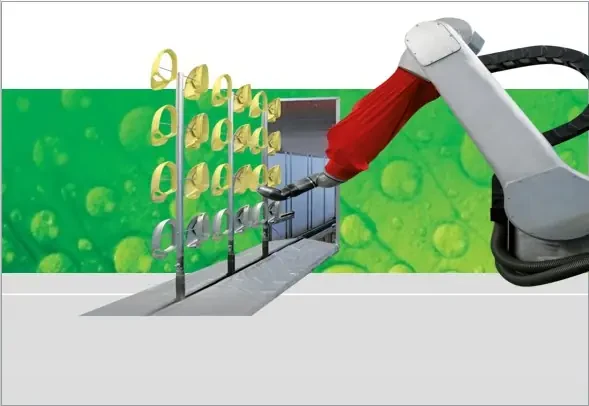
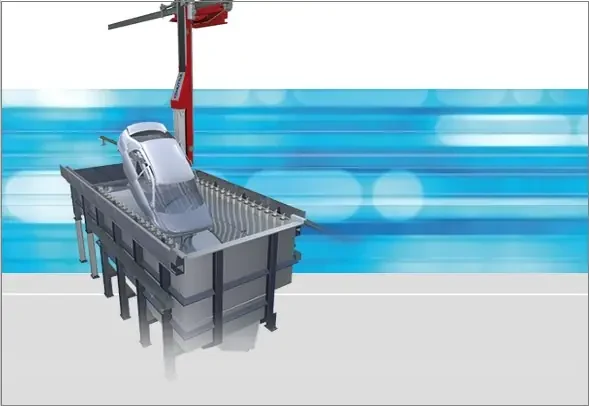
Surface technology
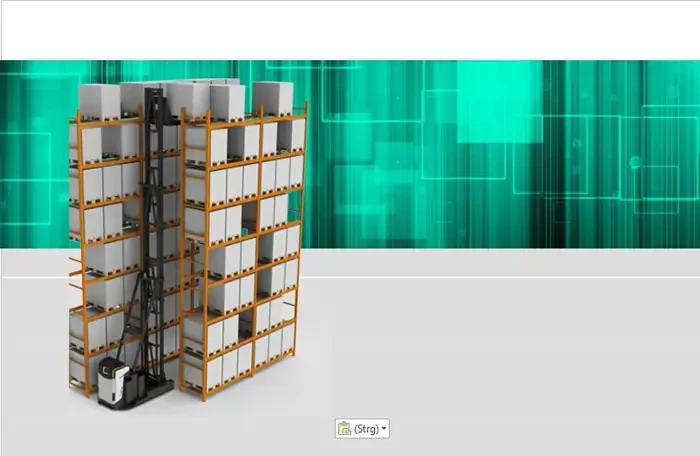
Logistics & warehousing
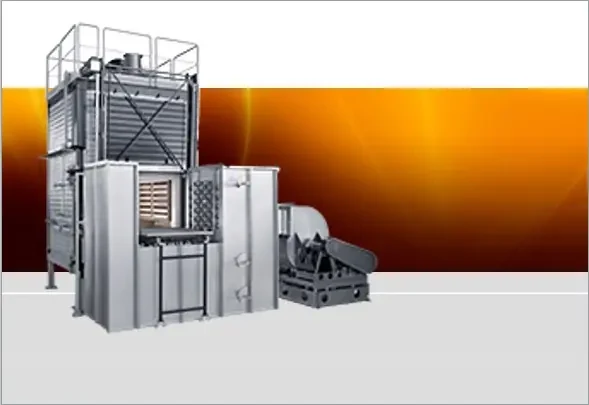
Manufacturing
Service & Support
Modular support that fits your operation.
The base SLA secures operation and updates. Optional modules add preventive maintenance and training.
Update Service
Your system stays up to date – with new features and security updates.
Ticket & Remote Support
Helpdesk and fast remote troubleshooting by our experts.
Preventive maintenance
Scheduled checks keep your installation stable and available.
Training & consulting
Your team and certified partners configure, adapt and extend E-MES themselves.
FAQ
Frequently asked questions
What is E-MES?
E-MES is the manufacturing execution system from ENISCO by FORCAM GmbH for semi- and fully automated production lines. It combines web SCADA, fault and alarm management, process parameters, maintenance, energy monitoring, ANDON and asset and material tracking in one end-to-end web application.
How do E-MES and AC4DC work together?
E-MES runs the lines, AC4DC connects the assets and puts data into context. AC4DC Extenders make E-MES data usable for notifications, quality processes and WIP. For example, an E-MES alarm automatically becomes a notification that goes straight to the responsible experts.
Which E-MES edition is right for us?
That depends on the size of your plant. Essential is the quick start for up to 10 PLCs, 50 visualization screens and 20 concurrent workstations. Advanced scales to up to 100 PLCs, 500 screens and 200 workstations and adds selectable add-ons. Premium offers unlimited PLCs and screens, up to 500 workstations and all available add-ons. All editions share the same platform – so you can start small and extend later.
Which controllers can be connected to E-MES?
E-MES connects PLCs from Siemens, Beckhoff, Mitsubishi and Rockwell, among others, as well as robots, manual workstations, conveyors and storage systems. Combined with AC4DC, existing and new equipment can also be connected via OPC UA, Modbus, S7 and other protocols.
Can we create visualizations and connections ourselves?
Yes. With the E-MES Designer, your team and certified partners configure PLC connections, create plant screens and define handshake and interface files themselves. We provide the Designer license per project on request.
Does E-MES run in the browser?
Yes. E-MES is a web application: the same plant screens run in the control room, on the HMI, on mobile devices and on large screens on the shop floor.
What support is included for E-MES?
The base SLA includes the update service with new features and security updates as well as ticket and remote support from our experts. Preventive maintenance and training and consulting can be added to the SLA as options.
Experience E-MES live
In a demo, we show you how E-MES and AC4DC work together on your line.